Settings
Simulation Settings
SIMULATION MODE
ENVIRONMENT
WIND 10.0 m/s
y: 0.00 m
Select a component to edit it. Use the arrows in the component list to change assembly order.
Apply Line Design
Choose a saved design, then click the existing mooring line you want to apply it to.
Welcome — glad you found your way here.
Mooring a boat can get surprisingly complicated once you start thinking about wind, several lines, angles, elasticity and how all the forces interact.
MoorSim is my attempt to make that a bit easier — so you can test different setups visually instead of reaching for a calculator and a page full of equations.
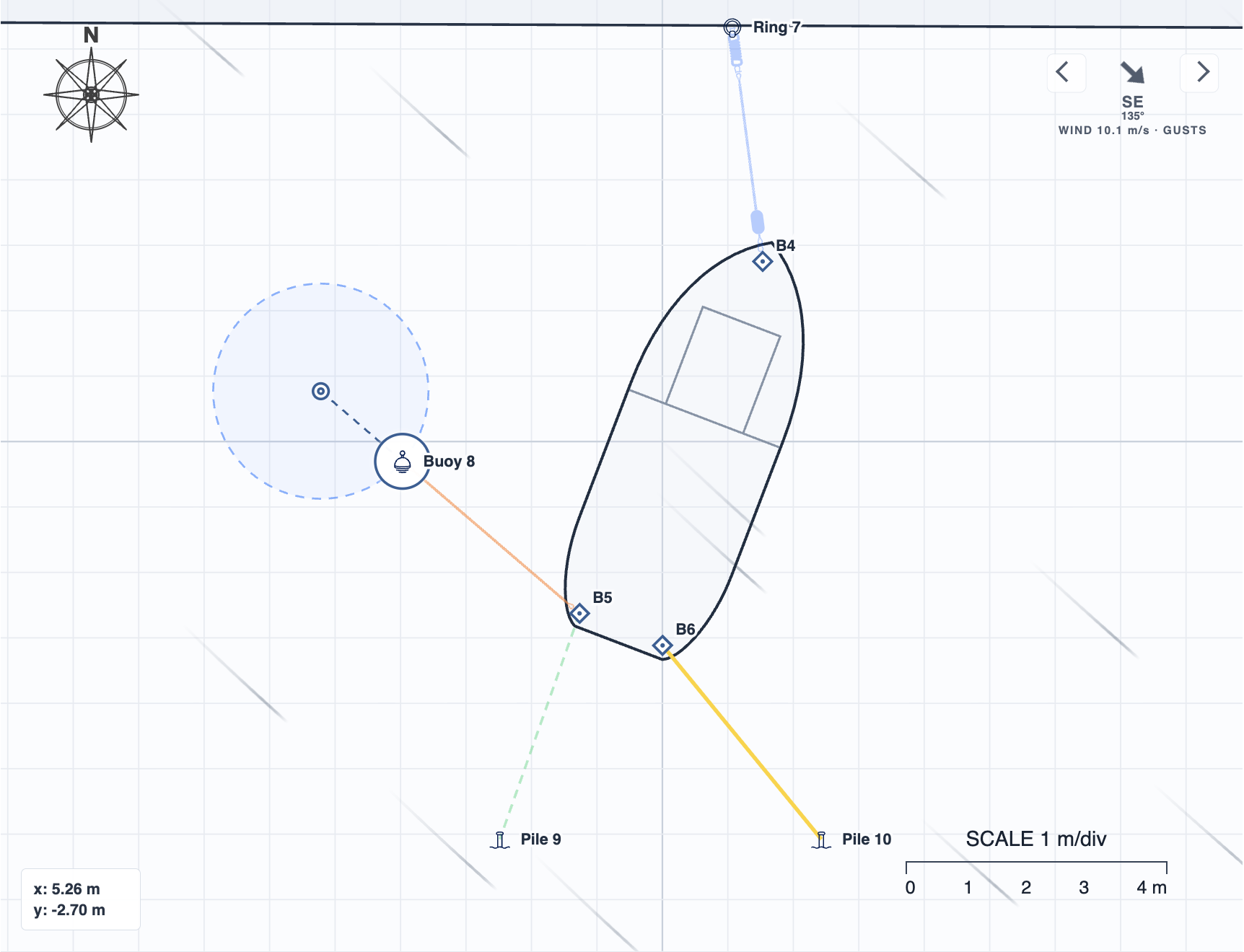
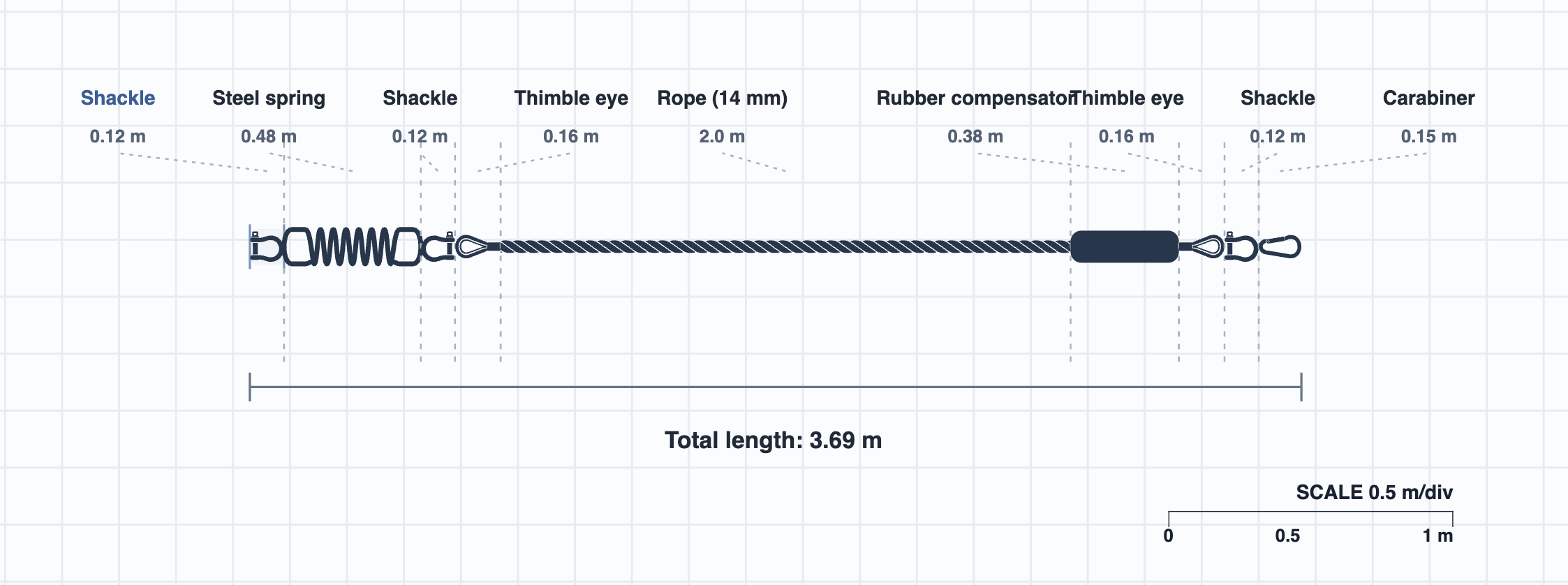
Place your boat, add docks and mooring points, connect your lines and set the conditions. You can even build your own mooring lines from individual components in the Line Designer. Then run the simulation, make adjustments and see what changes.
MoorSim is still in an early stage, so you may run into the occasional bug or slightly rough edge. I’m working on it continuously and fixing things as quickly as I can.
If you run into something that doesn’t seem right, or just have feedback, you can reach me at moorsim.app@gmail.com.
Thanks for trying MoorSim. I hope it helps make mooring a little easier, a little less stressful — and gives you more time to simply enjoy your boat.
Settings
Help
My Projects
Open and manage complete MoorSim workspaces.
Plans & access
Choose how you want to use the simulator.
Account
Manage your basic account details.

Change password
Confirm your current password before choosing a new one.
Delete your account?
This permanently removes your MoorSim account, saved cloud data and billing profile. Active subscriptions are canceled immediately.